Download Bluesky Video Online
MediaPuller is an online Bluesky video downloader for native videos attached to public Bluesky posts. Paste the direct post URL, click Go, and review the MP4 and adaptive streaming options that Bluesky exposes for that video.
The downloader accepts individual addresses in the form bsky.app/profile/handle/post/id. It returns the available source video with its post title, creator and thumbnail, without asking for your Bluesky password, re-encoding the media or storing the multimedia file on the MediaPuller server.
Download Videos from Public Bluesky Posts
Bluesky posts can contain a native video with sound, a short clip, an animated-style upload or a link to media hosted elsewhere. MediaPuller processes native Bluesky video attachments and displays a direct MP4 when the public post exposes one. Adaptive HLS versions can also appear as alternative resolutions.
Use the exact URL of one post, not a profile, feed, starter pack or search page. A valid post link includes both the profile handle and the post identifier. Public native videos normally require no account login, browser extension or manually exported cookies.
How to Download a Bluesky Video to MP4
Step 1. Open the public Bluesky post containing the native video you want to save.
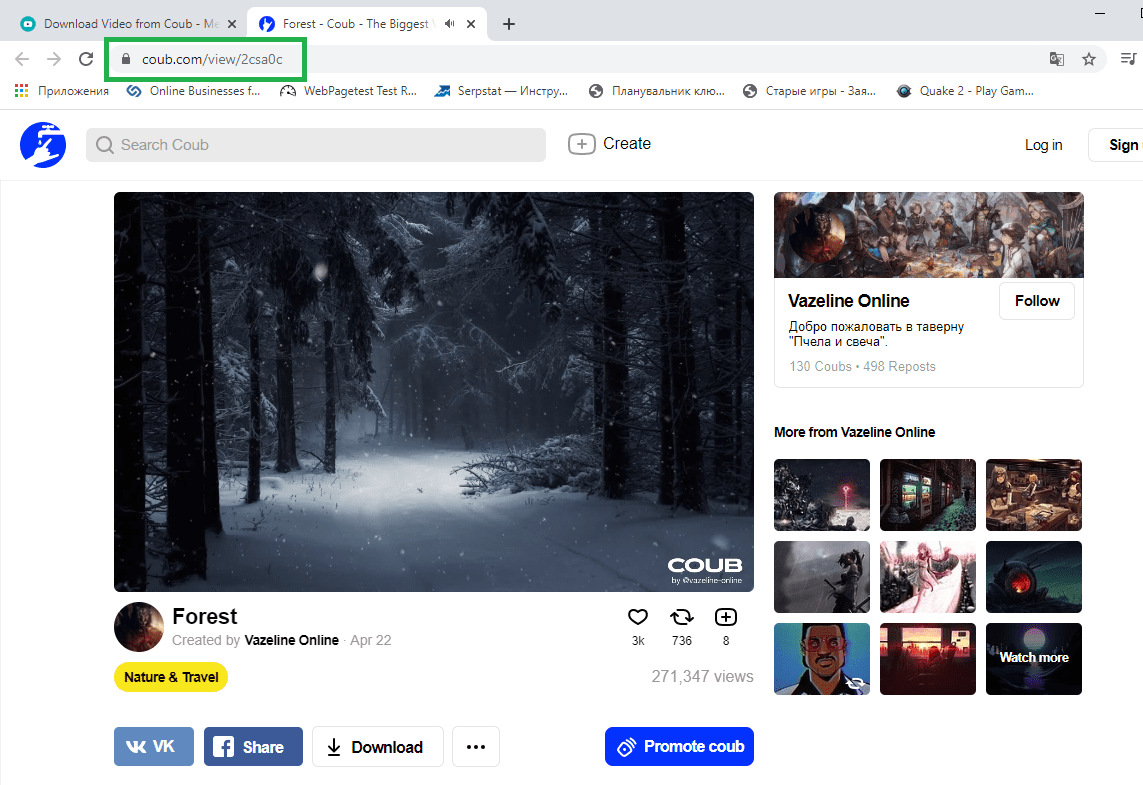
Step 2. Select Share and Copy link, or copy the full post URL from the browser address bar.
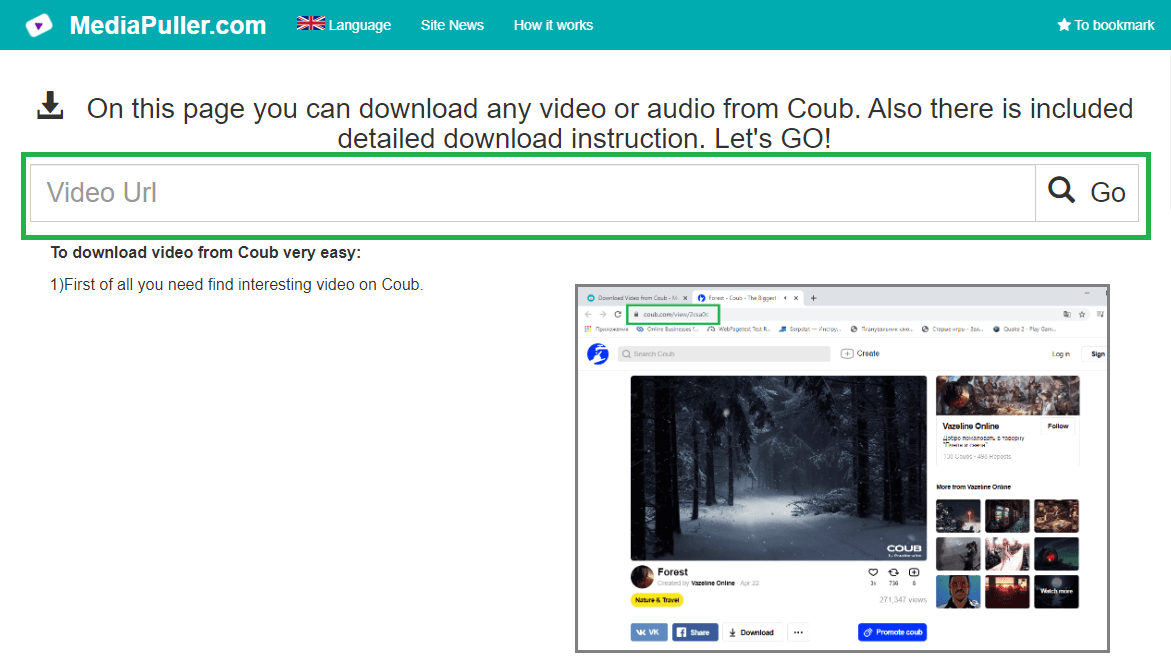
Step 3. Paste the link into MediaPuller and click Go.
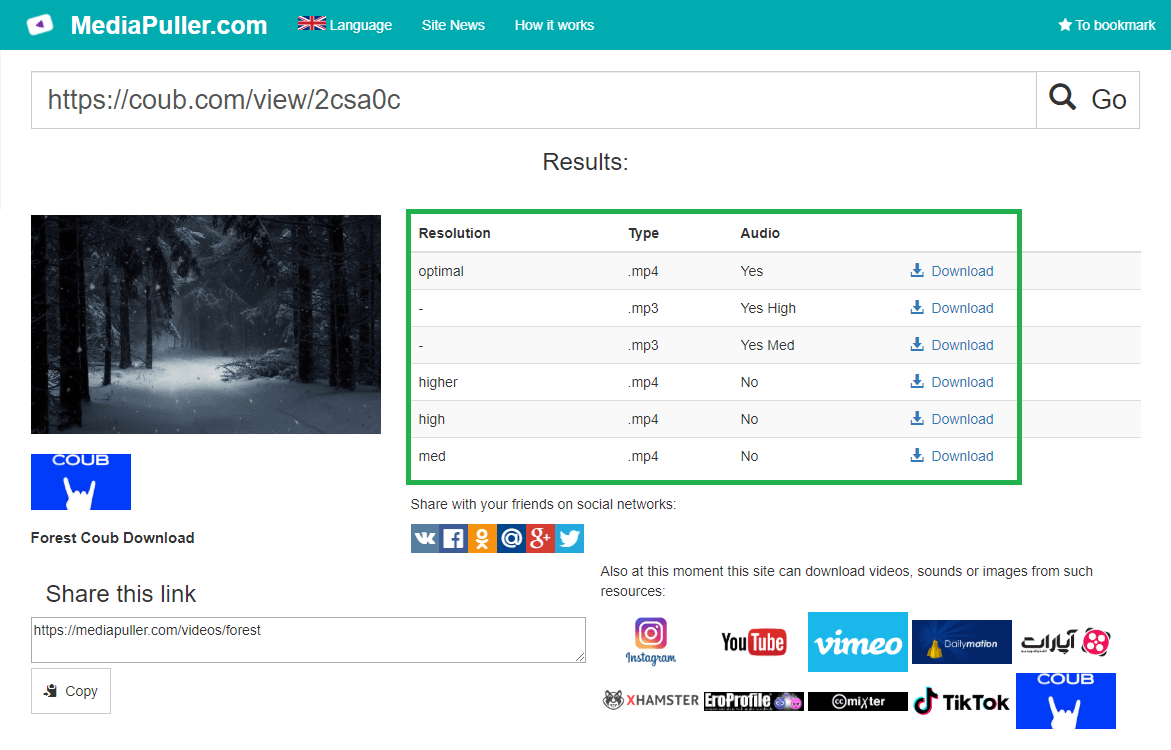
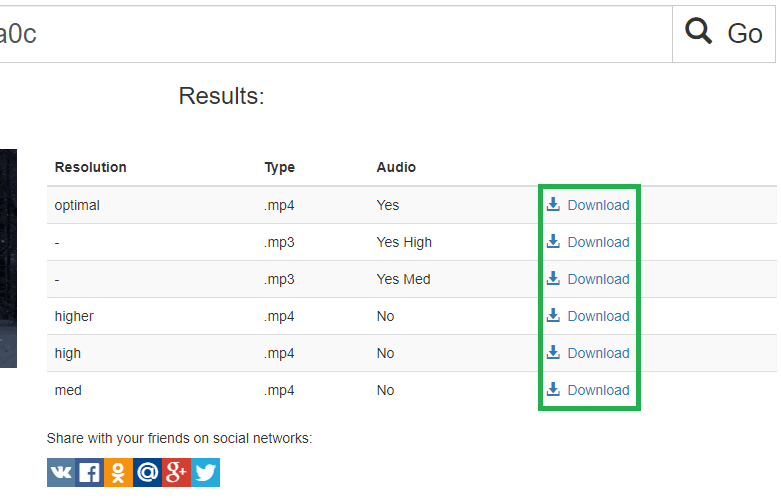
Step 4. Choose the direct MP4 or an available HLS resolution and save or open it on your device.
Bluesky Video Downloader for Mobile and Desktop
The Bsky downloader works in current browsers on iPhone, iPad, Android, Windows, macOS and Linux. A direct MP4 is the most convenient file option for ordinary playback. Safari and compatible media players can also open HLS, while other browsers may pass an M3U8 link to a suitable player.
Direct MP4 and Adaptive HLS Quality
MediaPuller lists only resolutions supplied for the public post. The direct MP4 is the original Bluesky blob made available by the author's data server, while HLS variants are streaming versions served by Bluesky. The tool does not invent a 4K version, remove creator overlays, add a MediaPuller watermark or convert the video into an audio file.
Why a Bluesky Video Link May Not Work
The post may be deleted, private, moderated, age-restricted, unavailable from the current region or contain no native Bluesky video. A profile or feed URL is not a direct post URL. Posts that only embed YouTube, Vimeo or another external website should be processed with the downloader for that original platform.
Save Bluesky Videos Responsibly
Download videos you created, material licensed for reuse or content you have permission to save. A publicly viewable post does not automatically grant permission to republish, edit or monetize another person's work. Respect the creator, copyright, Bluesky's terms and applicable law.
Bluesky Video Downloader FAQ
Can I download a video from a public Bluesky post?
Yes. Paste the direct URL of a public post with a native Bluesky video attachment to see the available MP4 and HLS options.
Which Bluesky URLs are supported?
Use an individual bsky.app/profile/handle/post/id URL. Profile, feed, search and starter-pack pages are not single video posts.
Do I need a Bluesky account or cookies?
No login or exported cookies are required for a native video that Bluesky already makes publicly accessible.
What is the difference between MP4 and HLS?
MP4 is the direct video file exposed by the author's data server. HLS is an adaptive stream that can provide alternative resolutions through an M3U8 playlist.
Can MediaPuller unlock private or deleted Bluesky videos?
No. It does not bypass privacy, moderation, account, age or regional restrictions and cannot restore removed media.