Download Twitch Video Online
MediaPuller is an online Twitch downloader for public Clips, saved broadcasts (VODs) and active live streams. Paste a direct Twitch link, click Go, and review the video qualities currently exposed for that content.
Direct Clip links usually provide downloadable MP4 files. VOD and live channel links use Twitch's HLS delivery, so MediaPuller labels those results as M3U8 streams instead of presenting a playlist as a finished MP4 file. A channel URL works only while that channel is live; for an offline broadcast, use its exact twitch.tv/videos/... address.
Download Twitch Clips and Videos Online
Twitch moments appear as short Clips, past broadcasts, highlights and live streams. MediaPuller reads a publicly accessible Twitch page and returns the available video variants in the same results table used by the site's other downloaders. You can compare resolution, frame rate, file or stream type, and audio availability before opening the selected option.
No browser extension or Twitch login is required for public content. Subscriber-only, private, deleted, age-restricted or region-restricted media cannot be unlocked by this tool.
How to Download a Twitch Clip or Video
Step 1. Open the exact Twitch Clip, VOD or live channel you want to process.
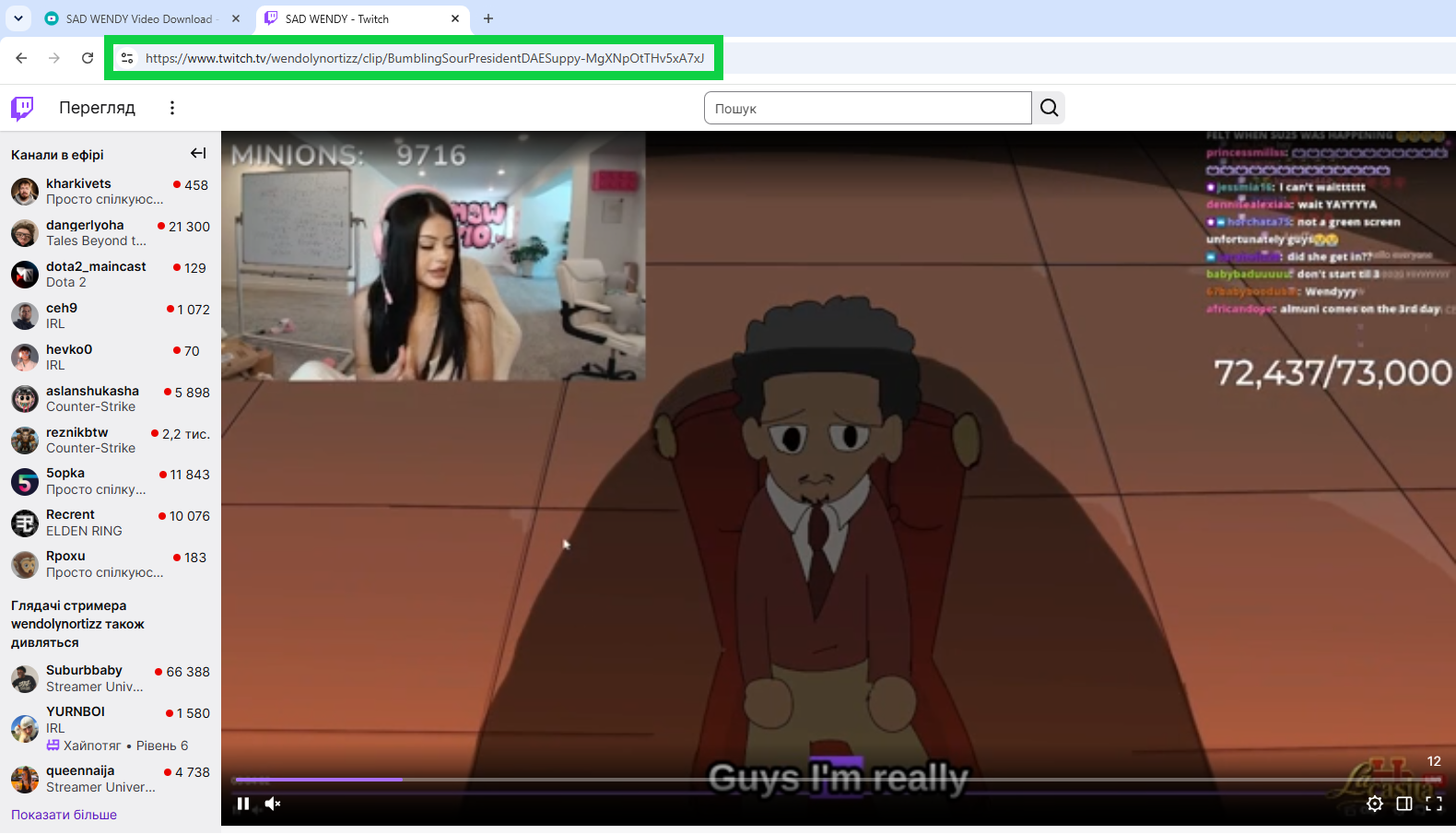
Step 2. Copy the full URL from the browser address bar or Twitch's Share menu.
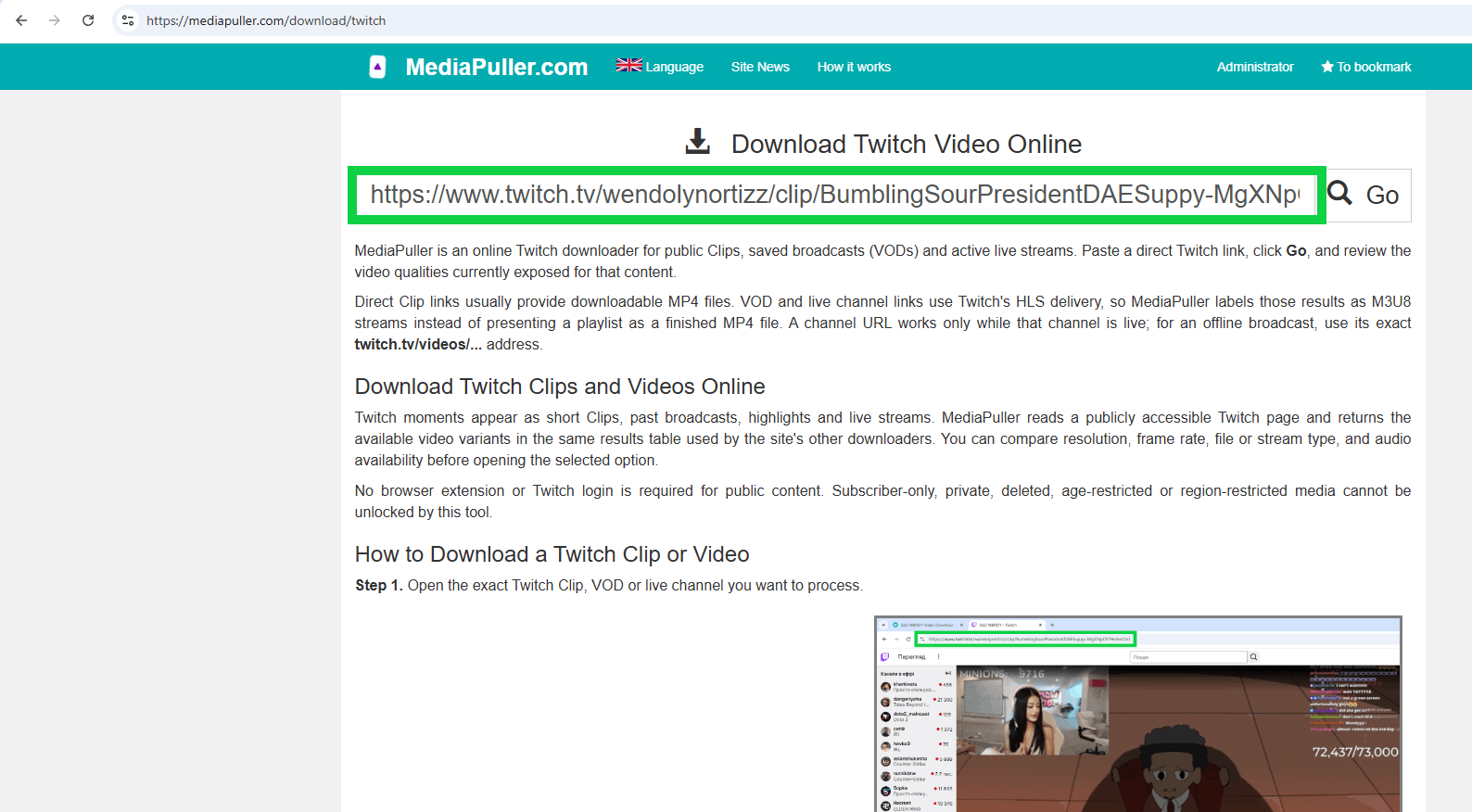
Step 3. Paste the link into MediaPuller and click Go.
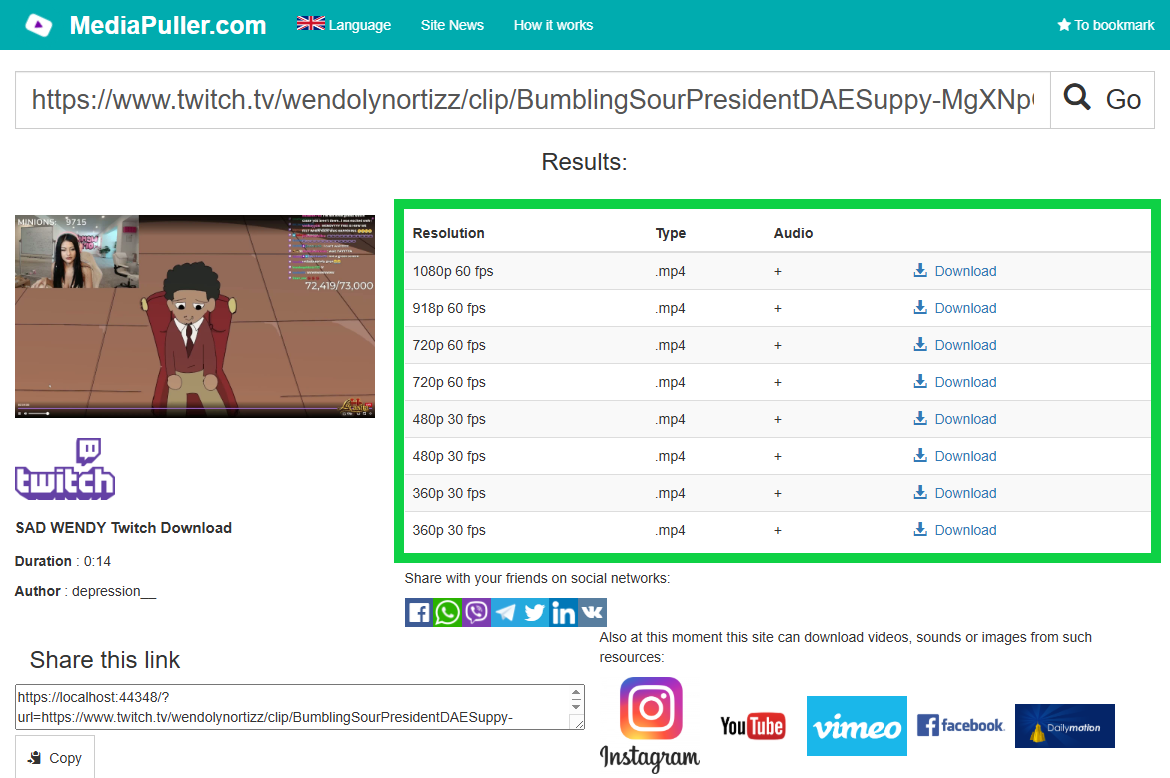
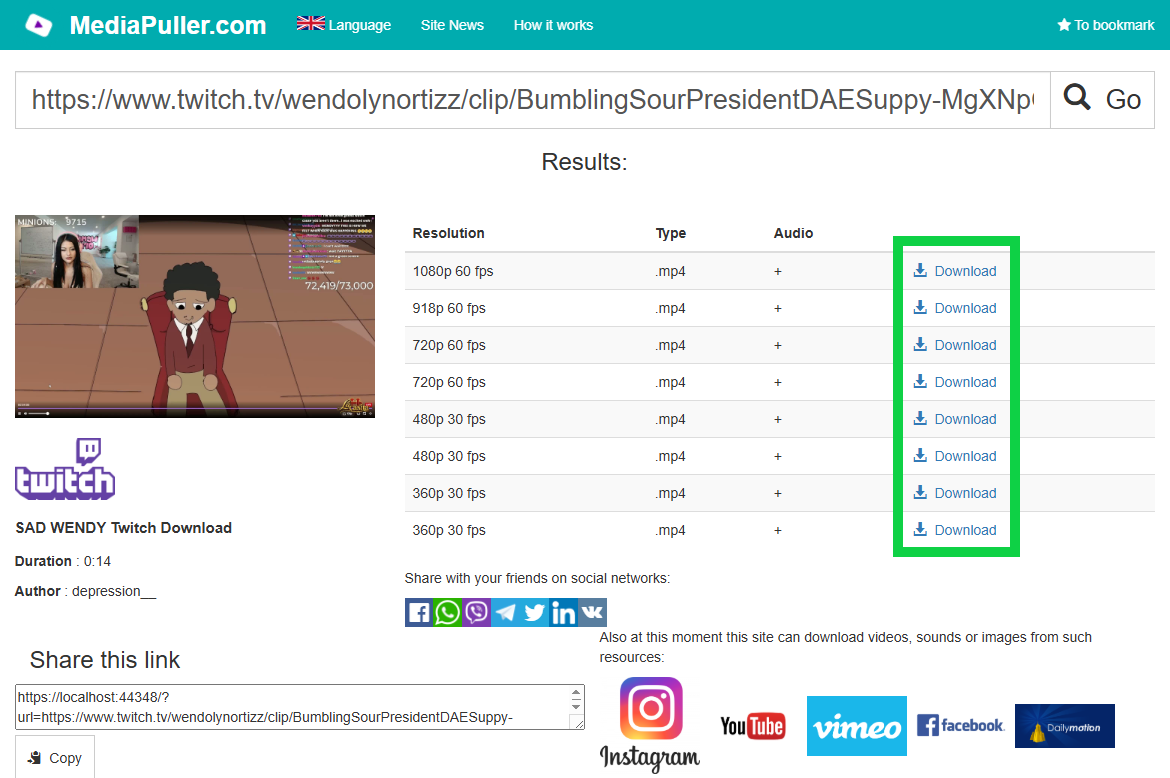
Step 4. Choose the required quality from the results. Clips normally open as MP4; VOD and live results are marked M3U8 when Twitch supplies an HLS stream.
Twitch Downloads on iPhone, Android and Desktop
The Twitch downloader works in current mobile and desktop browsers. What happens after selecting a result depends on the browser and media type: an MP4 Clip may download or open in a player, while an HLS result can open in a compatible video app. On mobile, use the browser's Save, Download or Share command when it appears.
Why a Twitch Link May Not Return Video
The streamer may be offline, the Clip or VOD may have been removed, or the content may require a login, subscription, age confirmation or regional access. A plain channel URL does not represent a past broadcast when the channel is offline. In that case, open the desired recording and copy its direct VOD or Clip URL.
Use Twitch Content Responsibly
Download only content you created or are authorized to save. Public availability does not grant permission to repost, edit or monetize another creator's stream. Respect copyright, the streamer's rights, Twitch's terms and applicable law.
Twitch Downloader FAQ
Can I download a Twitch Clip as MP4?
Yes, when Twitch exposes public progressive Clip formats, MediaPuller lists the available MP4 resolutions.
Can I paste a Twitch channel URL?
Yes, but a channel URL returns video only while the channel is live. For an offline stream, paste the direct VOD or Clip URL.
Does the downloader support Twitch VODs?
Yes. Public VOD URLs are processed and their available HLS qualities are listed as M3U8 streams.
Do I need a Twitch account?
No account is needed for public content that Twitch makes accessible in a normal browser.
Can MediaPuller access subscriber-only or deleted videos?
No. The downloader does not bypass login, subscription, privacy, regional or removal restrictions.