Download Kwai Video Online
MediaPuller is an online Kwai video downloader for public short-video posts. Paste the direct Kwai video link, click Go, and the page will identify the available MP4 together with its title, preview image and video resolution.
The tool works with individual addresses such as kwai.com/creator/video/id. It reads the public post and exposes the video file supplied for that post without asking for your Kwai password, re-encoding the clip or permanently storing the multimedia on the MediaPuller server.
Download a Public Kwai Short Video
Kwai is designed around quick vertical videos, so a useful link can easily become buried in a feed, message or browser tab. A direct post URL preserves the creator and video identifier. MediaPuller uses those identifiers to locate the public MP4 rather than recording the player screen or converting a low-quality preview.
Submit one video post at a time. Profile pages, search results, live rooms and general discovery pages do not identify a single downloadable clip. Private, deleted or restricted posts cannot be opened by the downloader.
How to Download Kwai Videos to MP4
Step 1. Open the public Kwai short you want to save and make sure the video still plays.
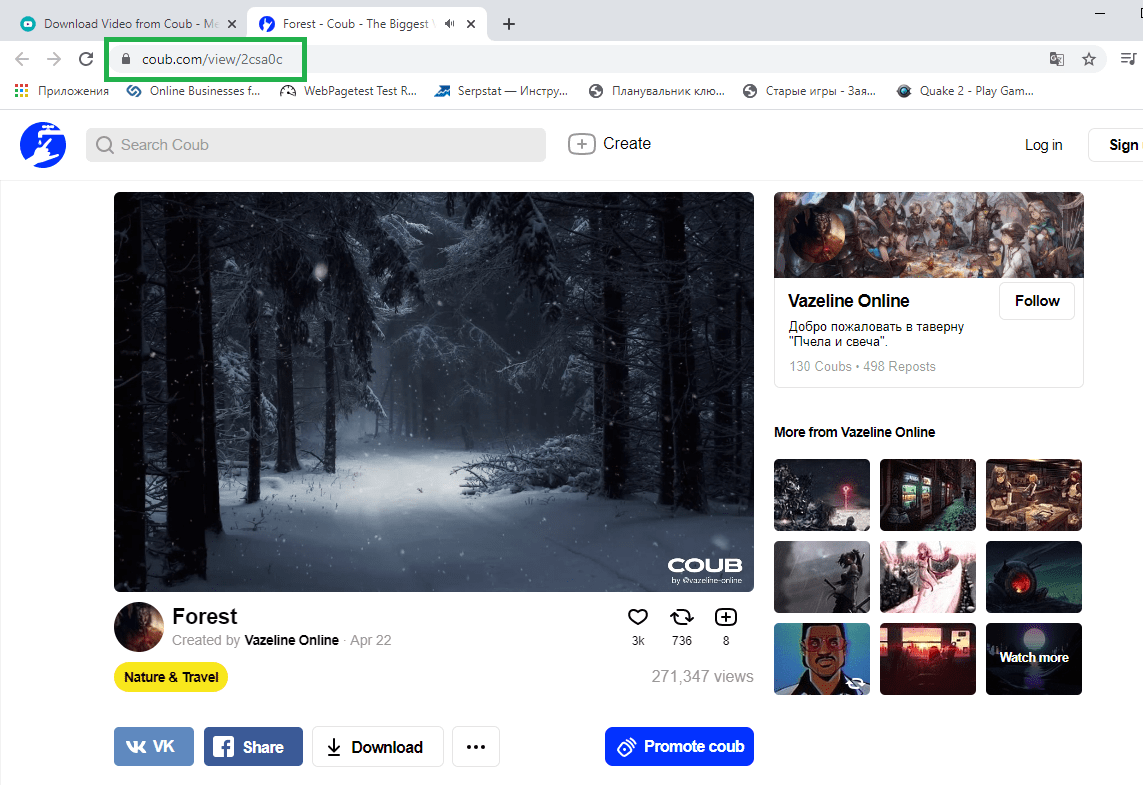
Step 2. Use the Share menu and copy the video link, or copy the complete URL from your browser.
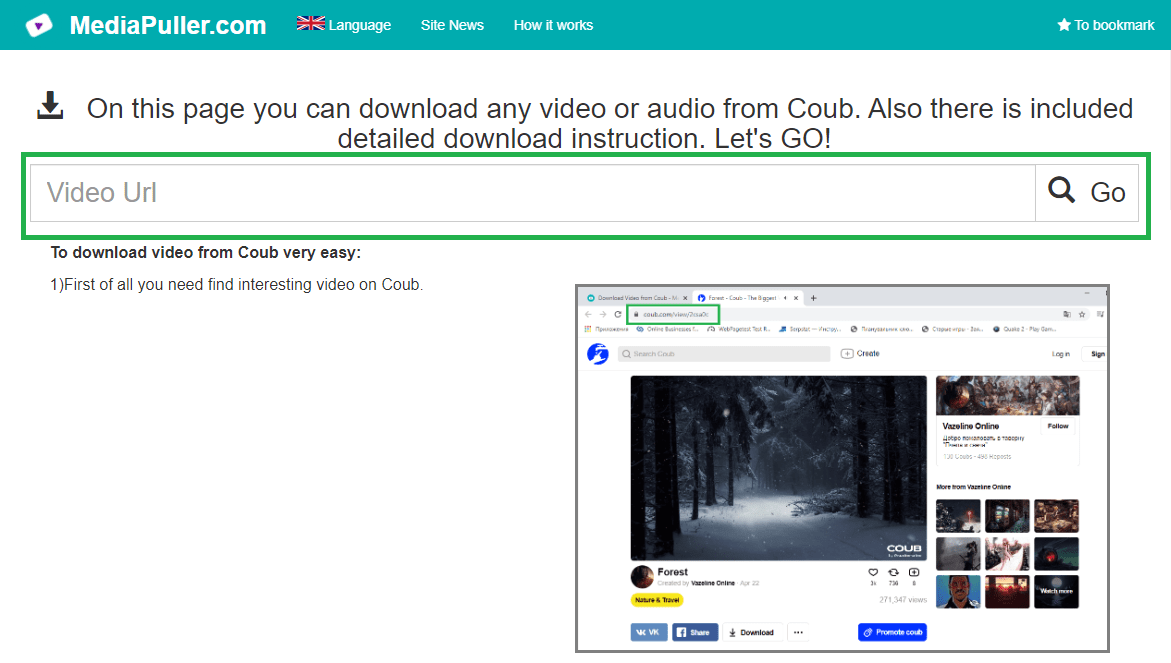
Step 3. Paste the Kwai URL into MediaPuller and select Go.
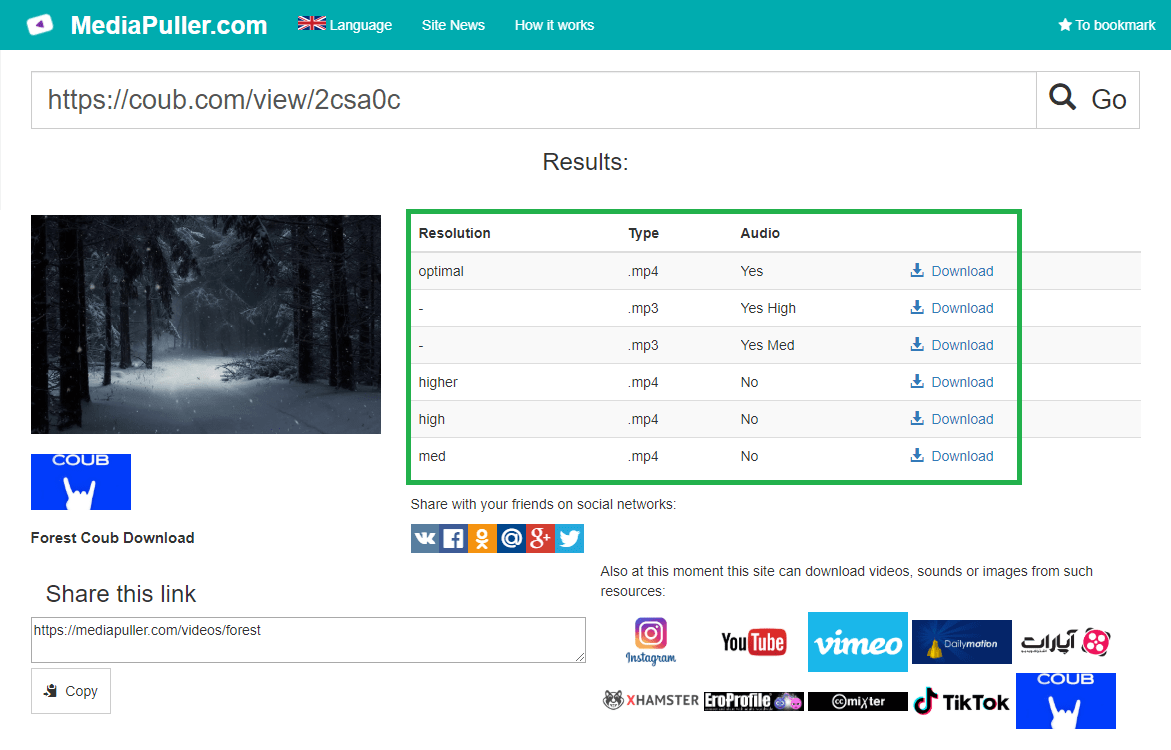
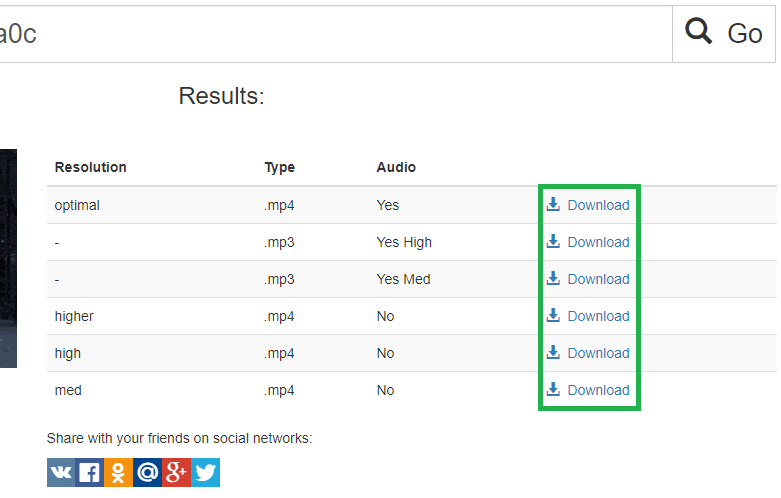
Step 4. Review the detected resolution and open or save the MP4 on your device.
Kwai Video Downloader for Phone and Computer
The workflow is browser-based and works on Android, iPhone, iPad, Windows, macOS and Linux. Android browsers usually place the MP4 in Downloads. On iPhone or iPad, Safari may first open the video; use the Share menu or the download control to save it to Files. Desktop browsers normally use their configured download folder.
Original MP4 Resolution and Sound
MediaPuller reports the video dimensions supplied by Kwai and keeps the existing audio track when the source MP4 contains one. It does not invent an HD or 4K version, upscale the picture, extract an MP3, erase captions or remove a logo already embedded in the uploaded frames. This avoids presenting a converted file as original quality.
Why a Kwai Video Link May Fail
Check that the address points to one public video and still opens in a normal browser. Processing can fail when the post has been removed, made private, limited by age or region, or when Kwai temporarily changes the public page. Links to profiles, live streams and content hosted on another platform are outside this downloader's scope.
Use Downloaded Kwai Clips Responsibly
Save your own uploads, licensed media or clips you have permission to use. Public availability is not the same as permission to republish, edit or monetize another creator's work. Respect copyright, personal privacy, the creator's wishes, Kwai's terms and the laws that apply to you.
Kwai Video Downloader FAQ
Which Kwai links can I use?
Use the direct URL of one public Kwai video post. Profile, discovery, search and live-room pages do not identify a single downloadable video.
Does MediaPuller download Kwai shorts as MP4?
Yes. When the public post exposes a direct source video, the result contains the MP4 and its detected resolution.
Do I need to sign in to Kwai?
No account password or manually exported cookies are required for a video that Kwai makes publicly accessible.
Does the downloader remove watermarks?
It returns the source file exposed for the post. It does not alter the frames or remove a logo, caption or watermark already embedded in that file.
Can I download private or deleted Kwai videos?
No. MediaPuller does not bypass login, privacy, age, regional or moderation restrictions and cannot restore removed videos.