Download Spotify Music Online
MediaPuller is an online Spotify downloader for saving official audio previews from public songs, music tracks and podcast episodes. Paste the direct URL of one Spotify track or episode, click Go, and download the MP3 preview that Spotify makes publicly available for that item.
Spotify's complete music streams are protected and are not exposed as ordinary downloadable files. MediaPuller does not bypass DRM, record the player or replace a Spotify song with an unrelated copy from another website. It returns only the genuine public preview supplied by Spotify, clearly labelled in the results.
Download Spotify Song and Podcast Previews Online
A Spotify link contains useful information about a release: the song or episode title, artist or podcast name, cover artwork and, for some public items, a short MP3 audio preview. MediaPuller reads the official embedded player data and presents that preview through the same simple results table used by the site's other media tools.
The downloader supports direct open.spotify.com/track/... and open.spotify.com/episode/... addresses. Album, artist, playlist, show and search pages contain multiple items and are not treated as a single audio download.
How to Download a Spotify Audio Preview
Step 1. Open the exact Spotify song or podcast episode whose public preview you want to save.
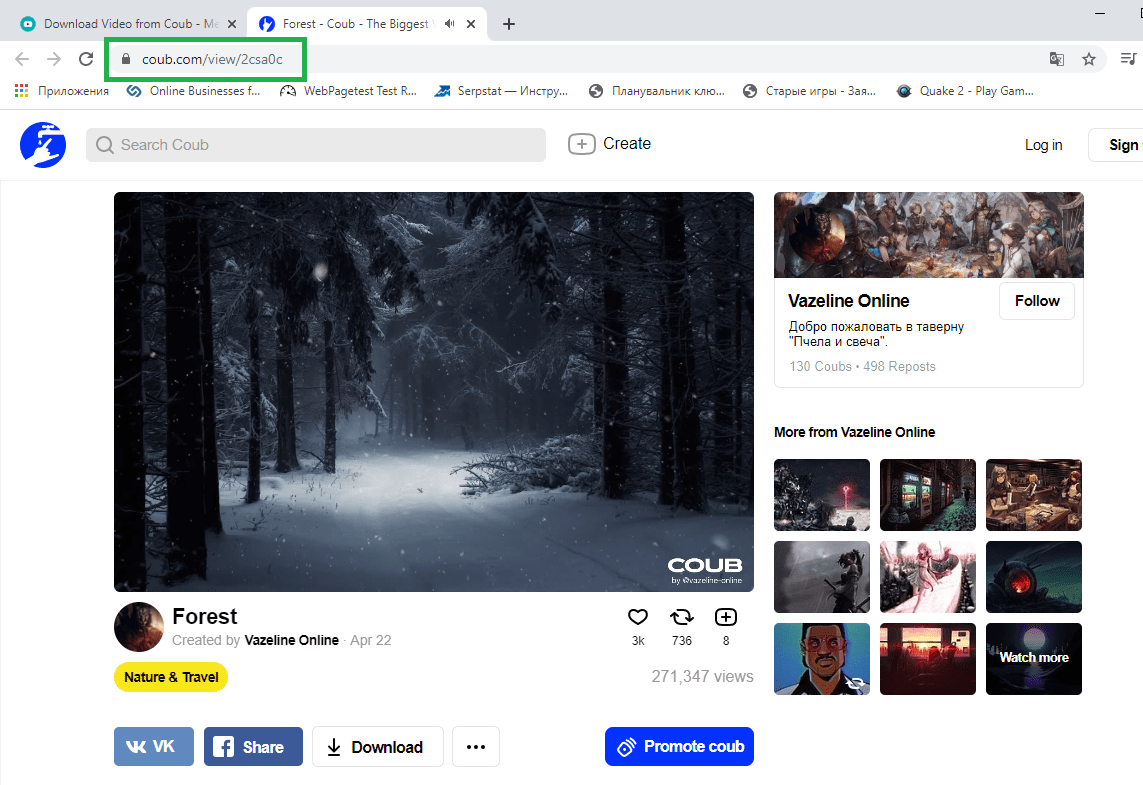
Step 2. Use Spotify's Share command or the browser address bar to copy the full track or episode URL.
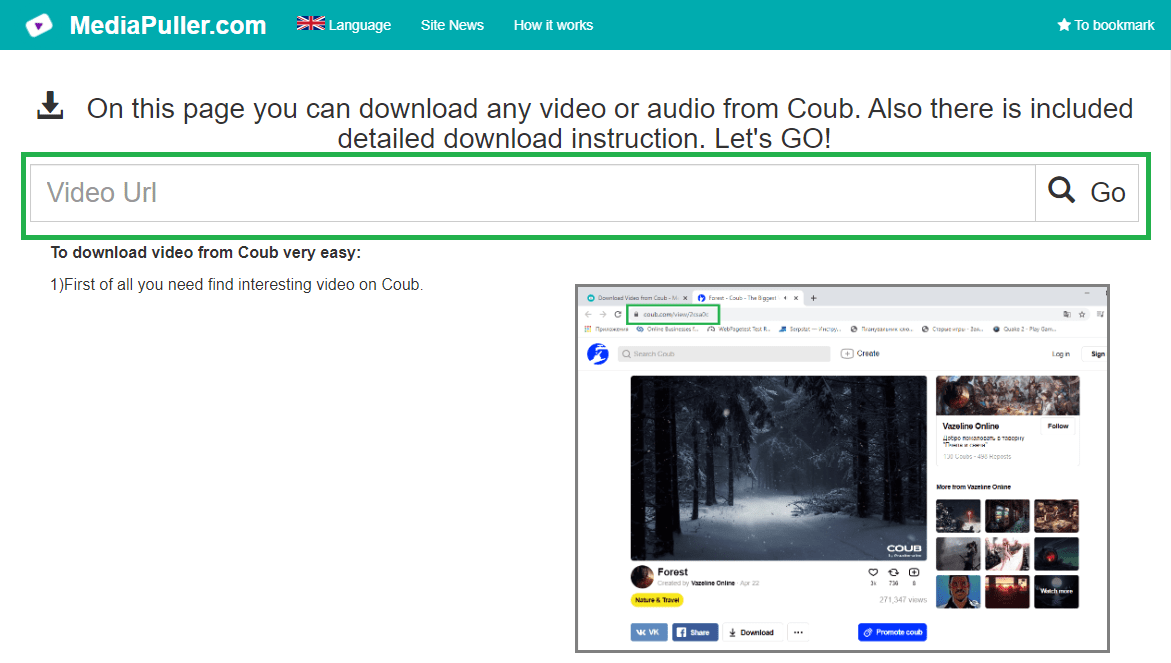
Step 3. Paste the URL into MediaPuller and click Go.
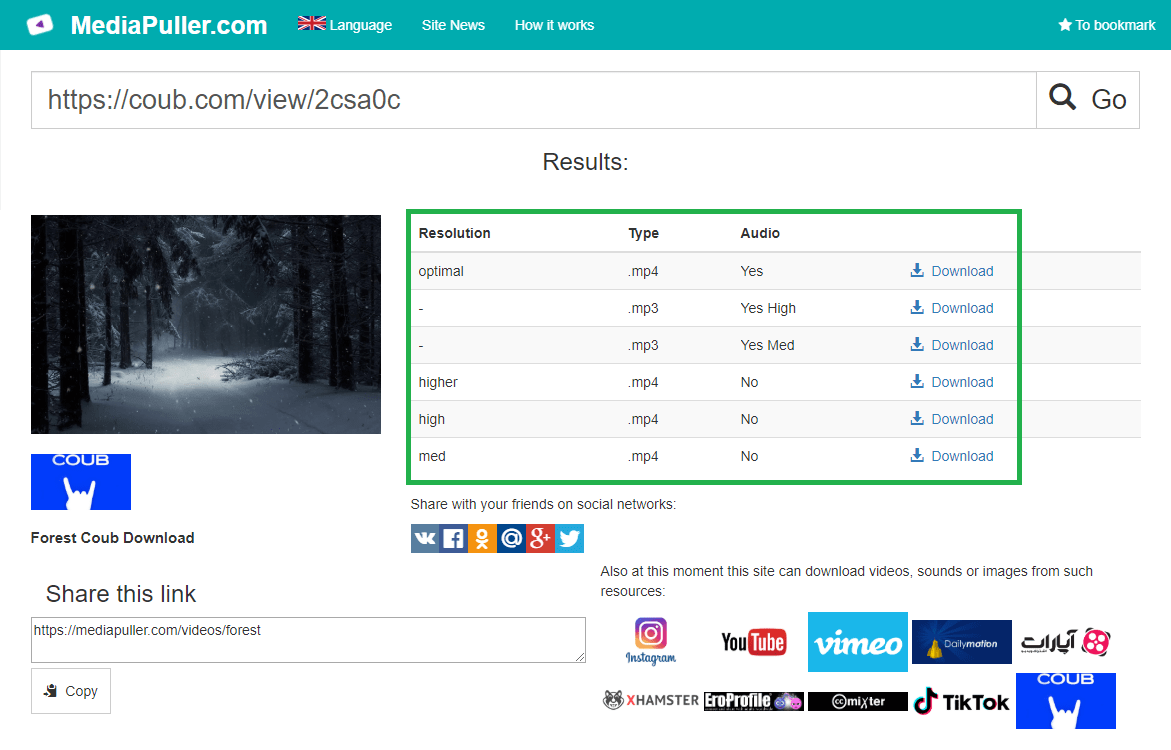
Step 4. Check the title and artist or podcast name, then choose the MP3 option marked Track preview or Podcast preview.
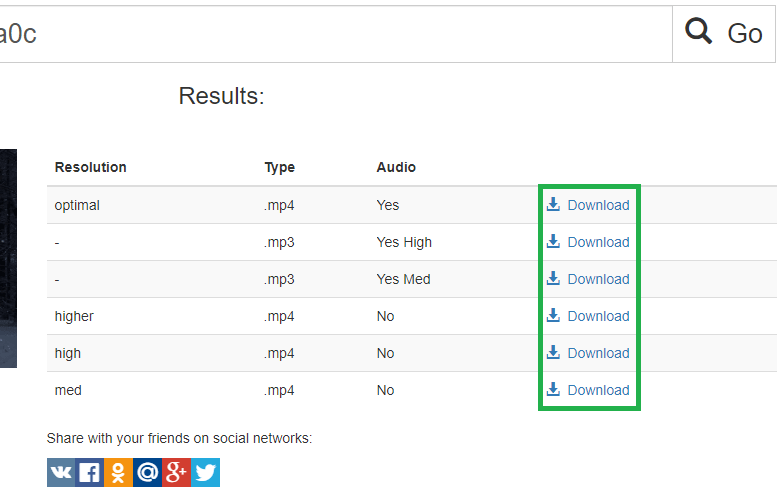
Spotify Preview Downloads on iPhone, Android and Desktop
The tool works in current mobile and desktop browsers without an extension or Spotify account. Depending on the device, selecting the MP3 may download it immediately, open an audio player, or show a Save, Download or Share command. The preview length is chosen by Spotify and can differ between songs and podcast episodes.
Why a Spotify Link May Have No Download
Spotify does not publish an audio preview for every track or episode. An item may also be unavailable, removed, restricted by market, or the submitted link may point to a playlist, album, artist or podcast show rather than one track or episode. Open the individual item, copy its direct URL and try again.
Respect Music and Podcast Rights
Save previews only for lawful personal use or when you have the necessary permission. A public sample does not grant rights to redistribute, remix, broadcast or monetize the recording. Respect the musician or podcaster, the rights holder, Spotify's terms and applicable copyright law.
Spotify Downloader FAQ
Can MediaPuller download a full Spotify song?
No. Full Spotify streams are DRM protected. MediaPuller downloads only the official public MP3 preview when Spotify provides one.
Can I download a Spotify podcast episode?
The downloader can save the official public podcast preview. It does not decrypt or reconstruct the complete protected episode stream.
Do I need a Spotify account?
No account is required for a public track or episode preview exposed by Spotify's embedded player.
Can I paste an album or playlist link?
Use the direct URL of one track or episode. Album, playlist, artist and show pages are not processed as one audio file.
Does MediaPuller convert Spotify audio?
No. The returned MP3 is the original preview hosted by Spotify; MediaPuller does not re-encode or alter it.